A walkthrough of the real Geeky Digital Cloud interface, shown with an example account.
Explore configuration, your dashboard and API access.
Example account data and prices. Check the current VPS catalogue for live offers.
Screens captured on 17 September 2026.
01 / CHOOSE YOUR SERVER
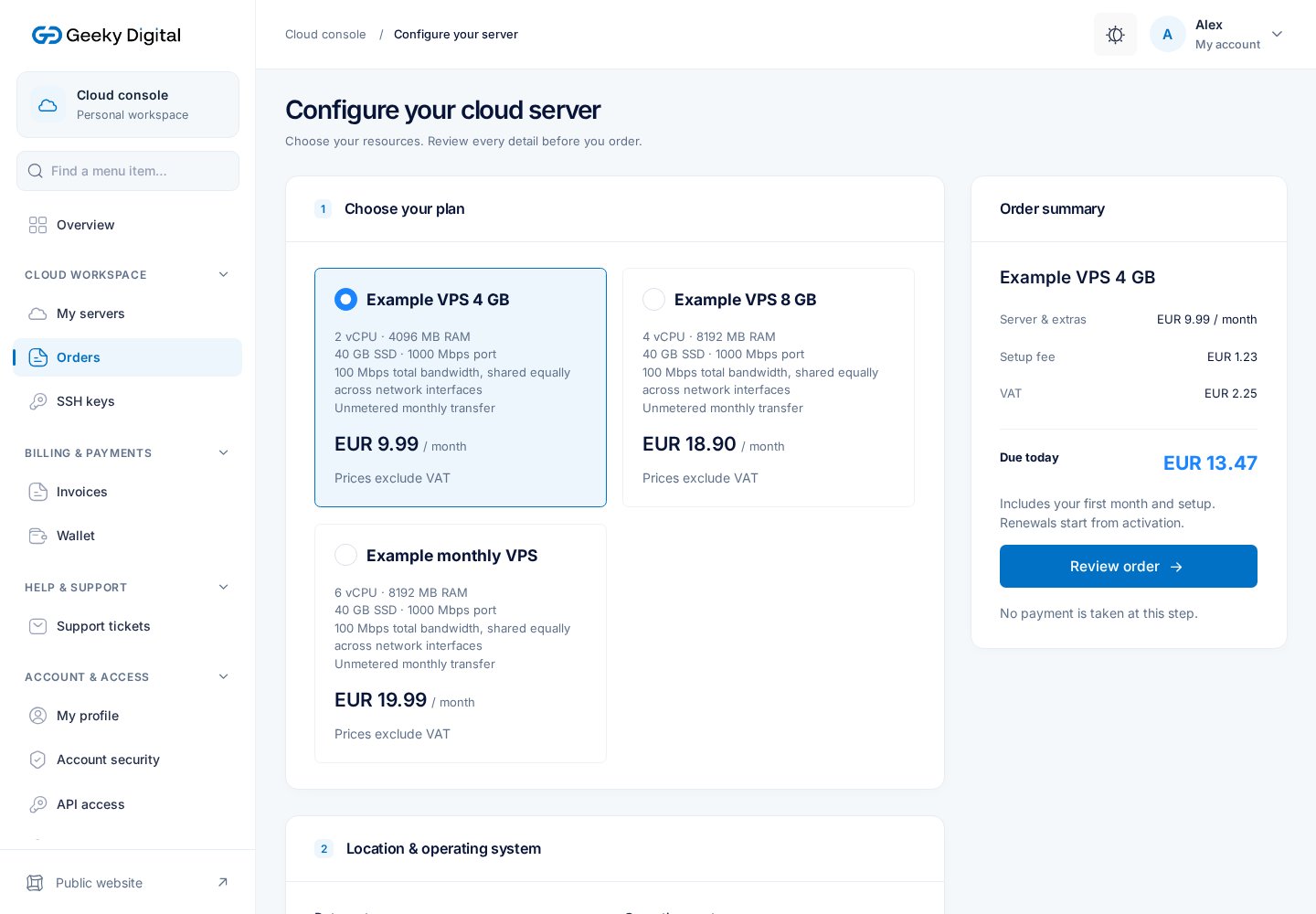
Review the configuration.
Choose a plan, location, operating system and billing period. Review the resources, setup fee and order total before continuing. The next step shows your order for confirmation.
Actual interface with example account data, plan names and resources. Select the image to
view it at full size.
02 / FIND YOUR WORKSPACE
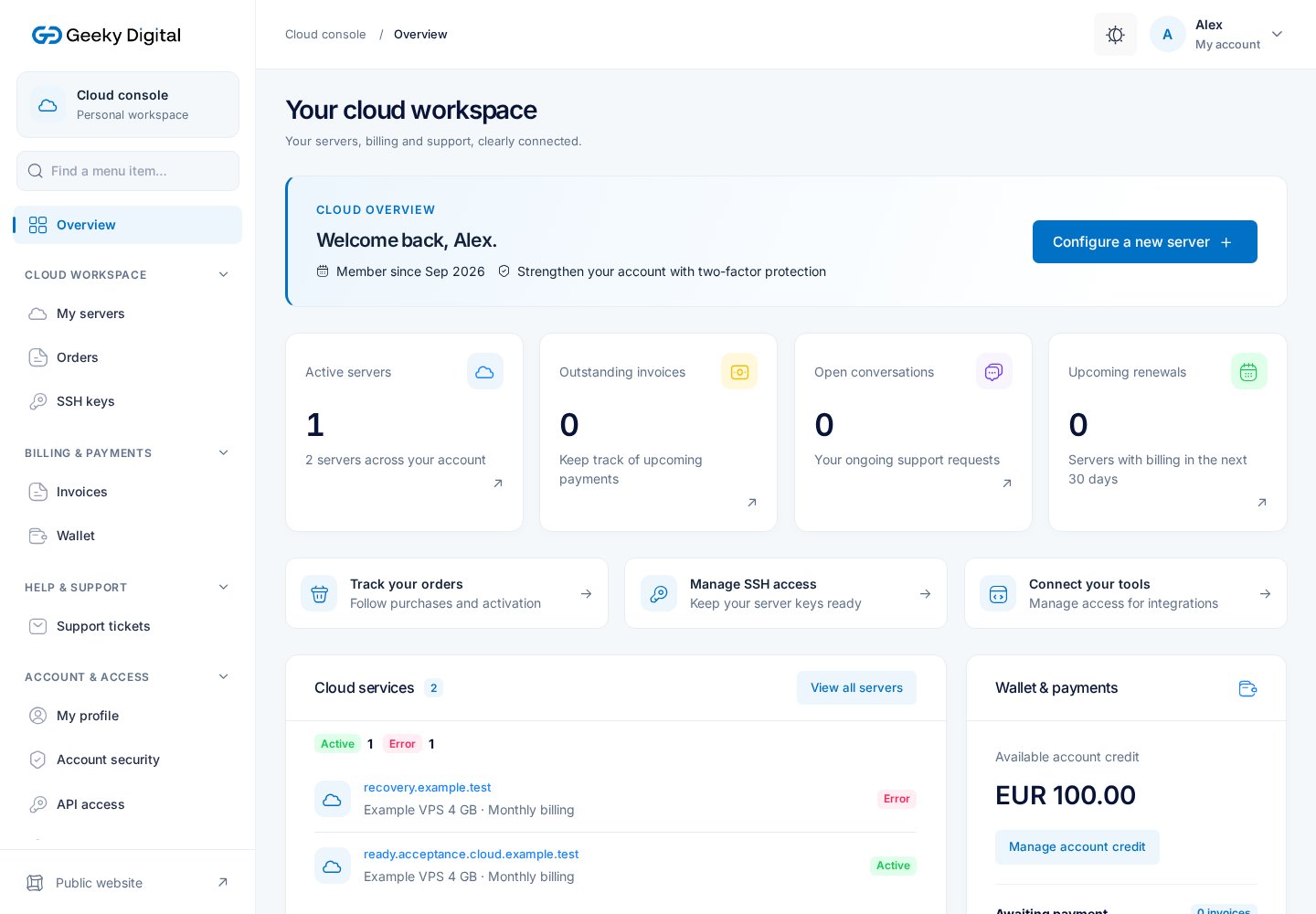
Keep the essentials together.
Your dashboard connects your services, billing and support. Follow your order and service status here; a paid order still needs successful provisioning before your server is ready.
Actual interface with example account data, plan names and resources. Select the image to
view it at full size.
03 / CONNECT YOUR TOOLS
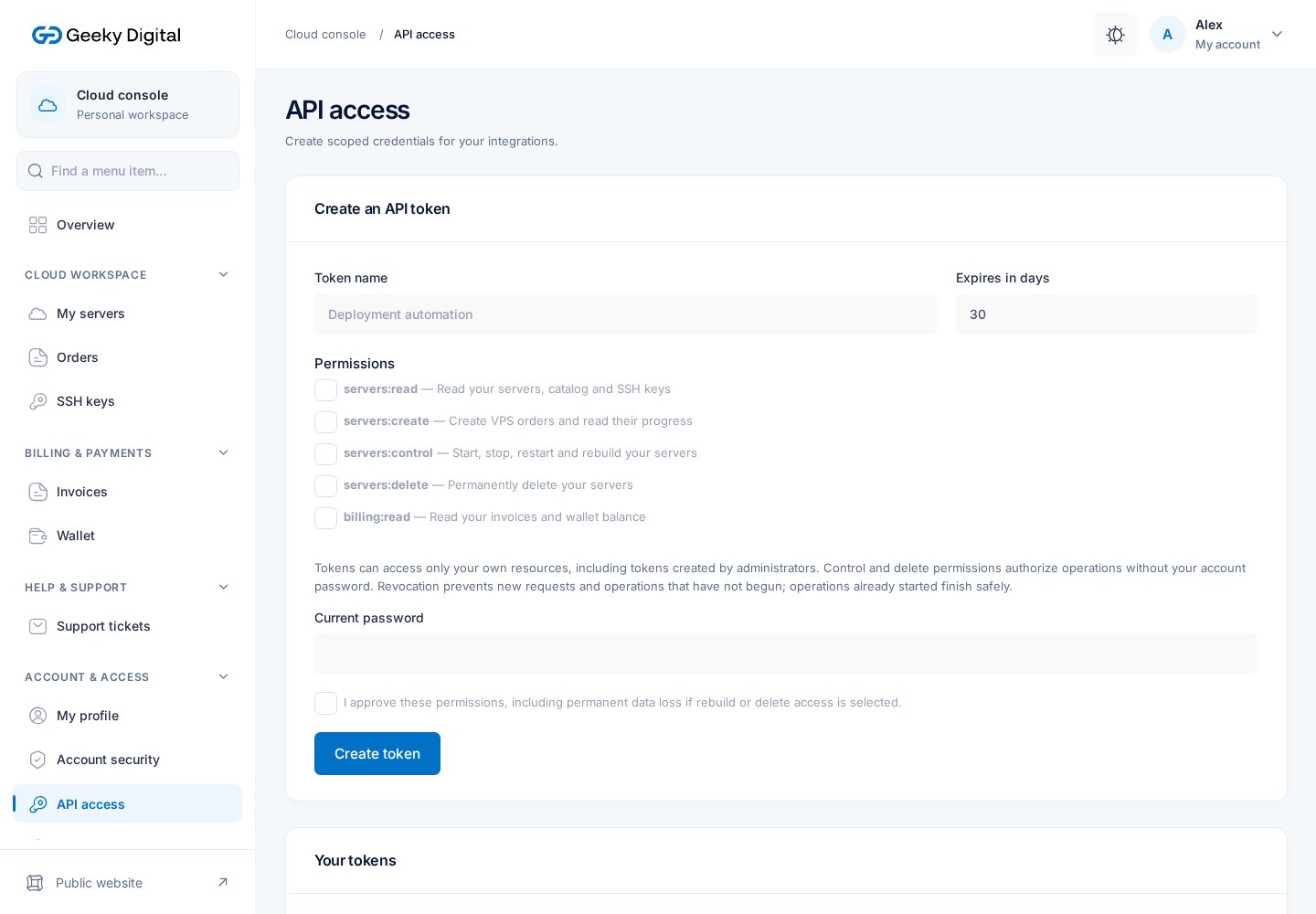
Grant only the access you need.
Create an expiring API token with specific permissions and revoke it when no longer needed. Keep the token private; use the public API reference to build your integration.
Actual interface with example account data, plan names and resources. Select the image to
view it at full size.
READY FOR THE NEXT STEP
Start with the right plan.
Compare current resources and prices, read the documentation or ask a question before
ordering.
Essential cookies keep sign-in secure. Optional cookies remember appearance and navigation choices.
With your permission, Google Analytics also measures public visits and VPS plan selections.
With your permission, Meta Pixel measures visits from our Facebook and Instagram ads and resulting
sign-ups and orders.
Change your choices anytime. Cookie Policy